A QR menu that suits your venue, always up to date.

A menu page for cafés and restaurants. Add your products and prices, pick a theme, publish. When a price changes or something sells out, you fix the menu from the panel; the QR code on the table stays the same.

Building your menu is free; publishing requires a subscription.
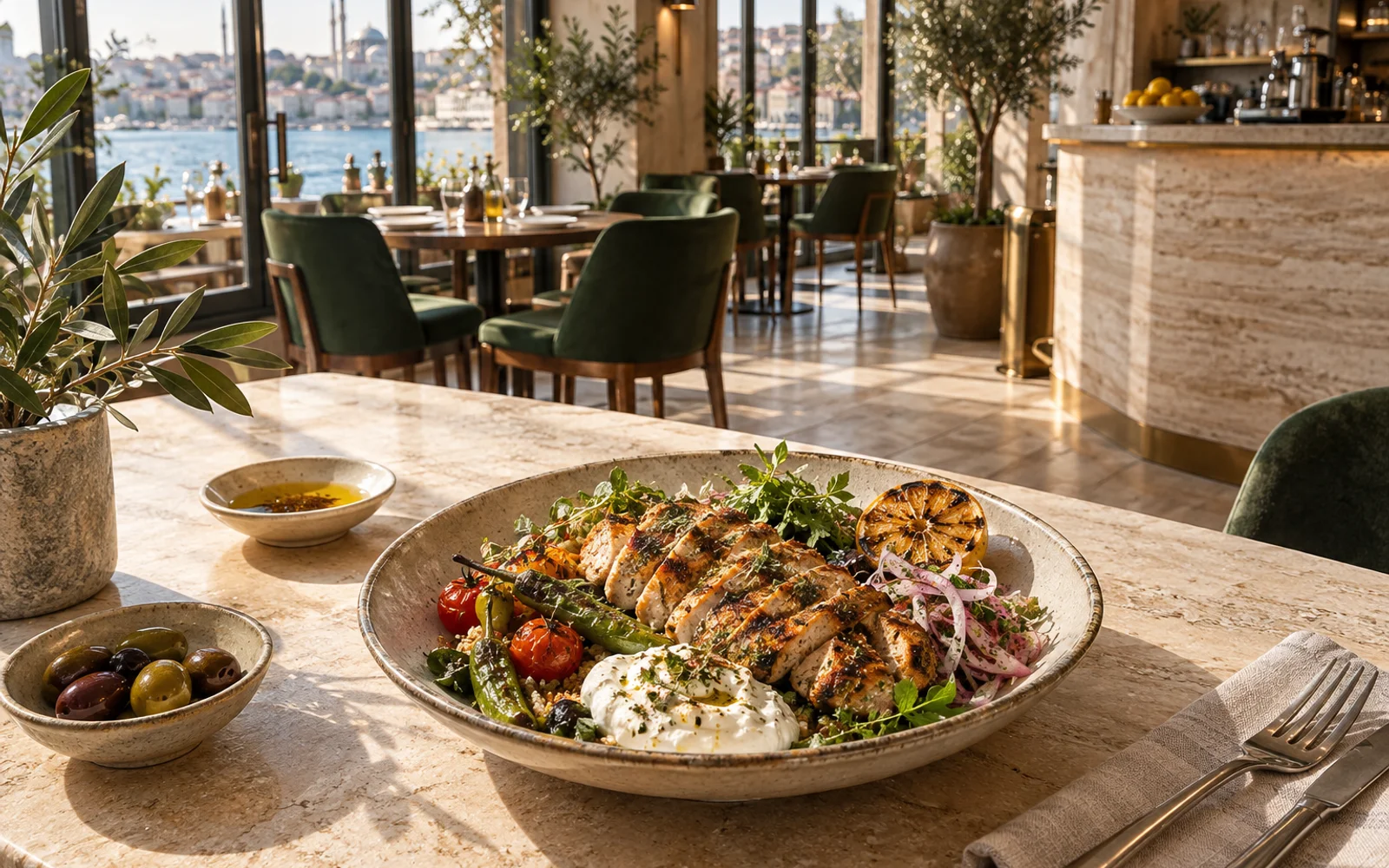
Botanica CoffeeCoffee and seasonal plates in Moda.

Coffee

Popular
Flat white

Double espresso with finely textured milk. Smooth, with a full coffee flavour.

Vegetarian
Regular₺145Large₺165
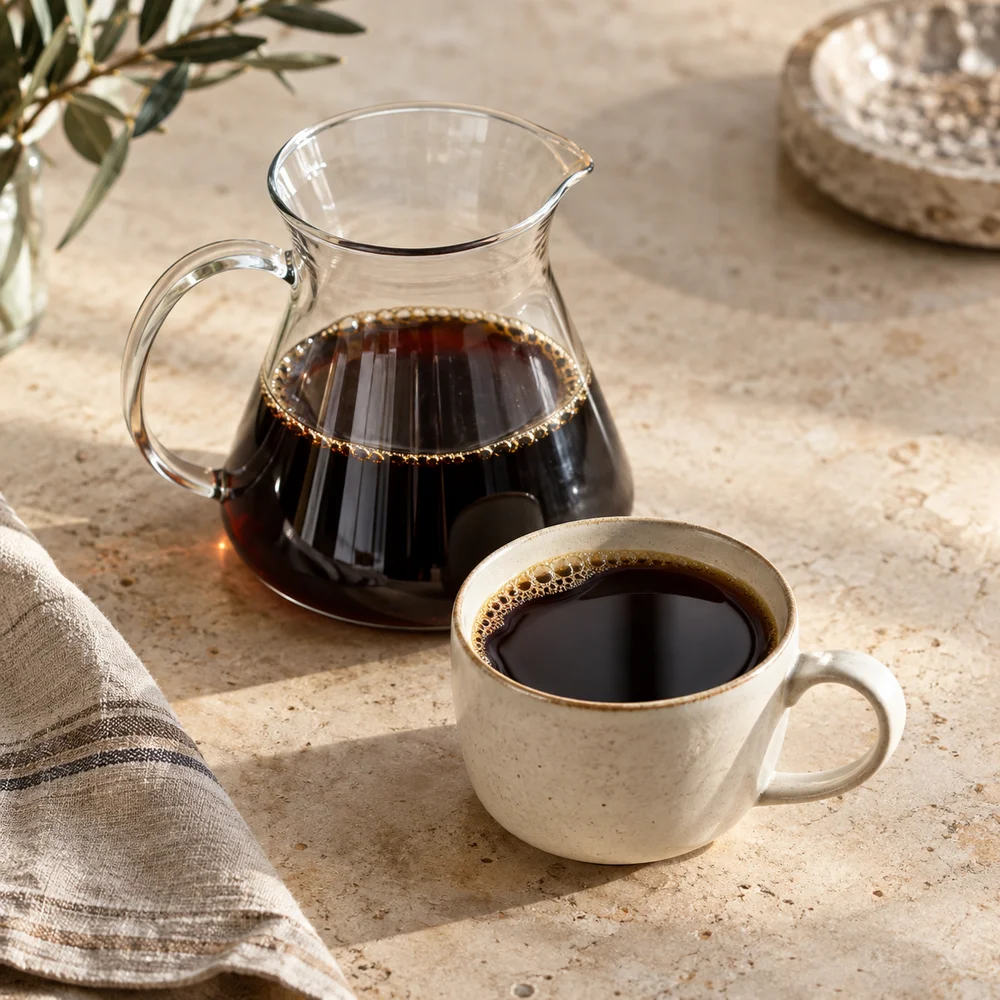
Filter coffee

Freshly brewed filter coffee. Ask our team about today’s beans.

Vegan
₺110
Espresso

A short, intense double espresso, ground and pulled to order.

Vegan

₺95
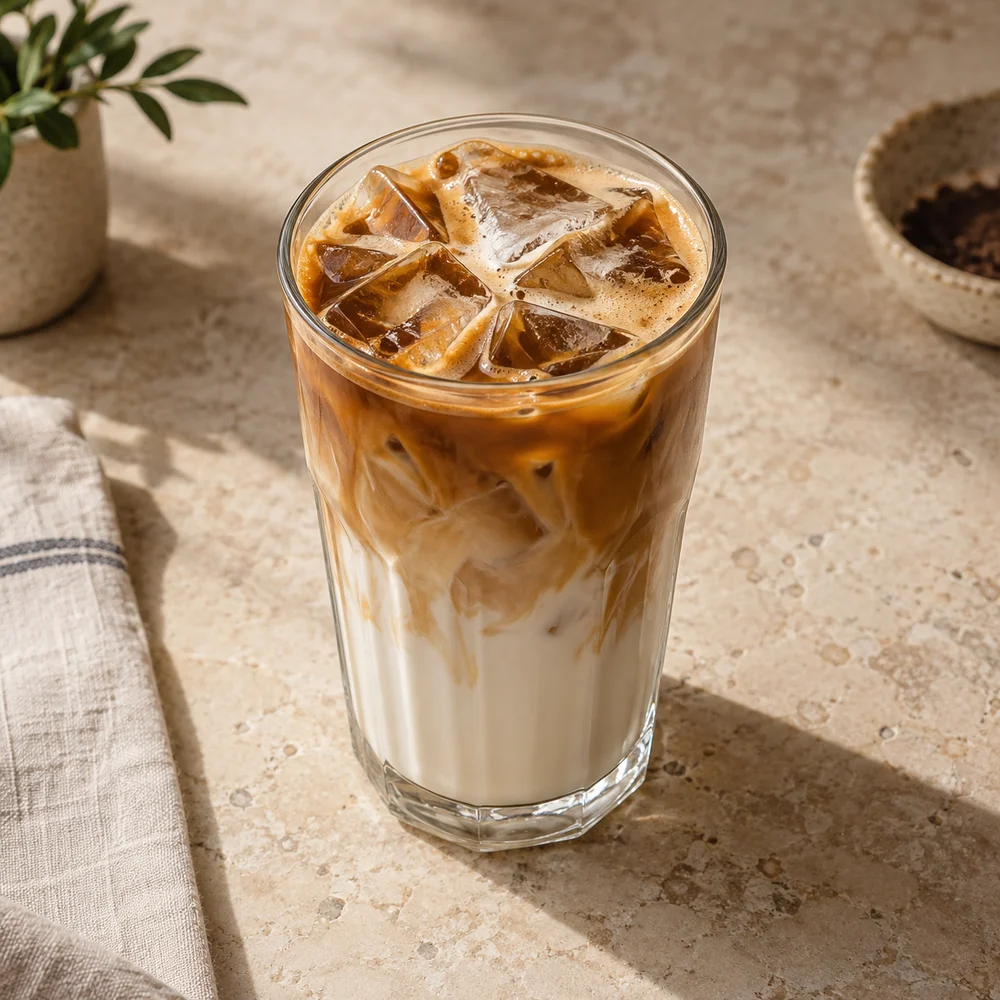
Iced latte

Double espresso, cold milk and ice for a refreshing coffee break.

Vegetarian
₺165

Brunch

Chef's pick
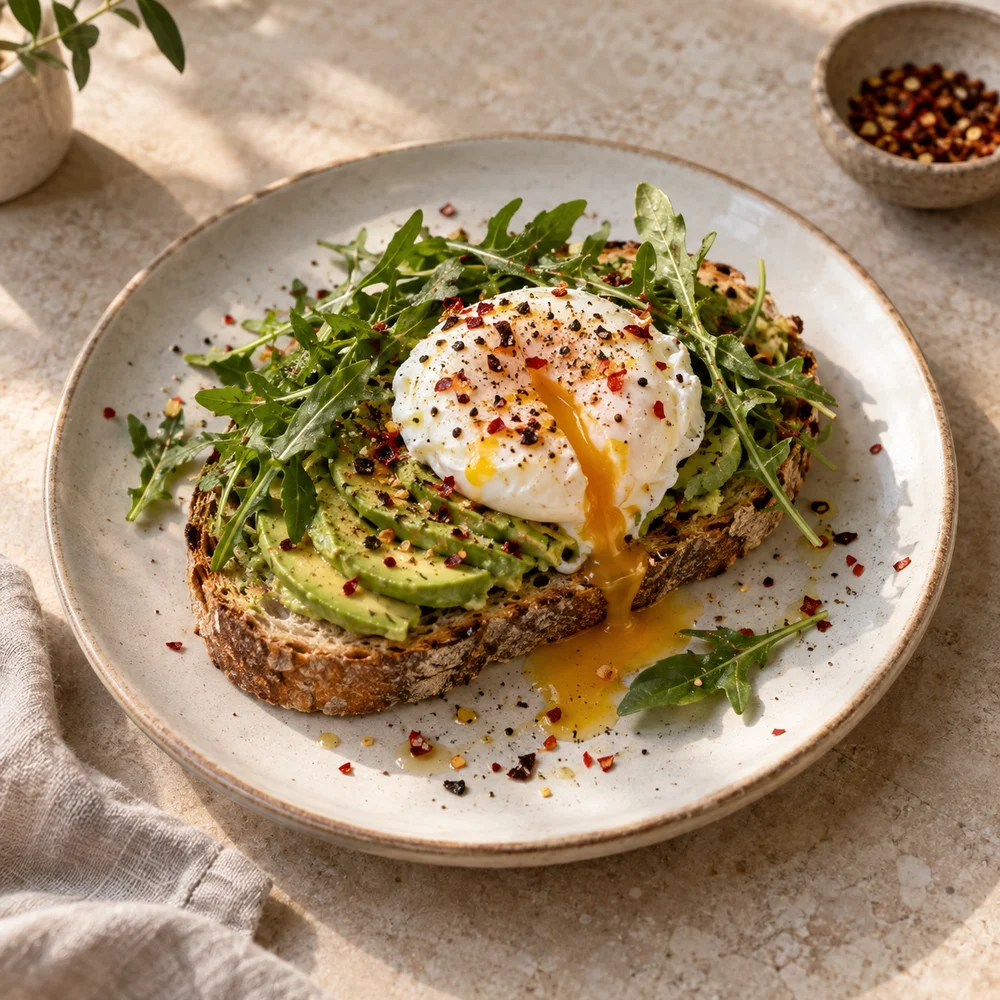
Avocado sourdough

Toasted sourdough with lemon-dressed avocado, a poached egg and rocket.

Vegetarian
₺280
New
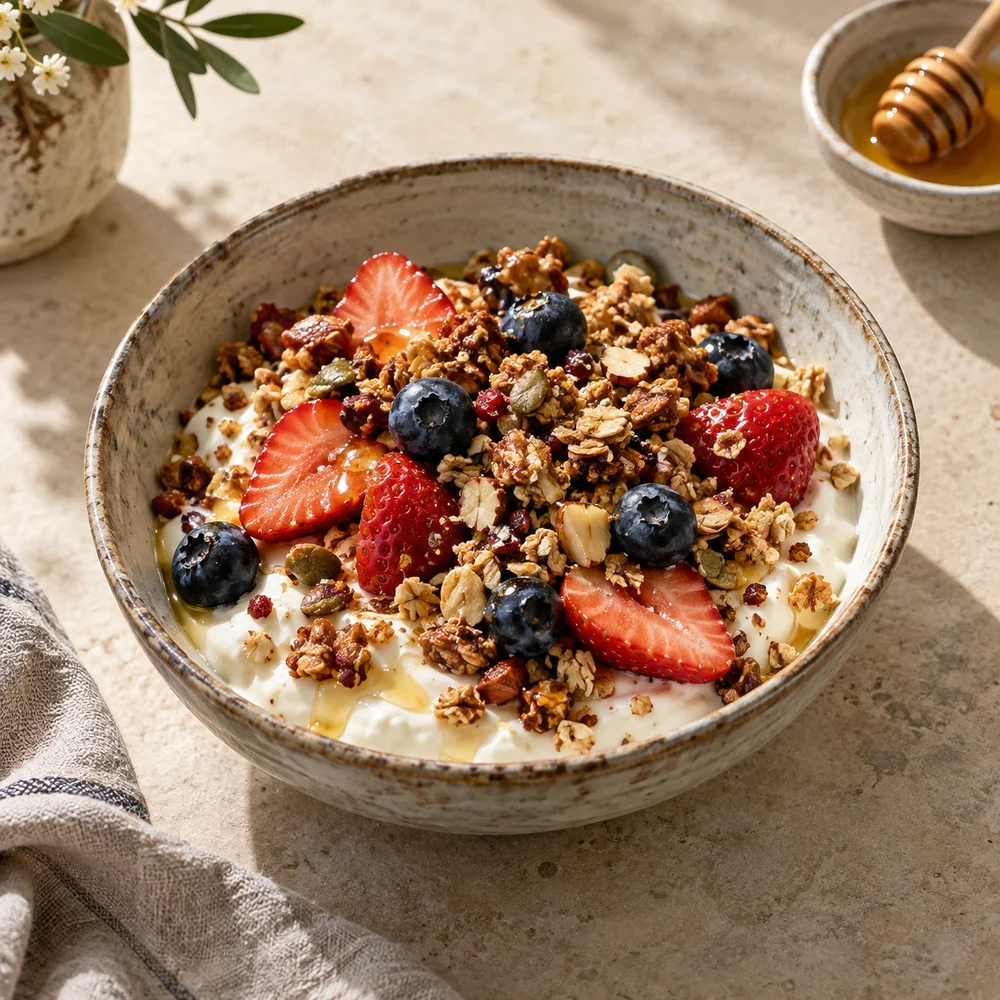
Seasonal granola bowl

Strained yogurt, hazelnut granola, strawberries, blueberries and honey.

Vegetarian
₺240
Chef's pick
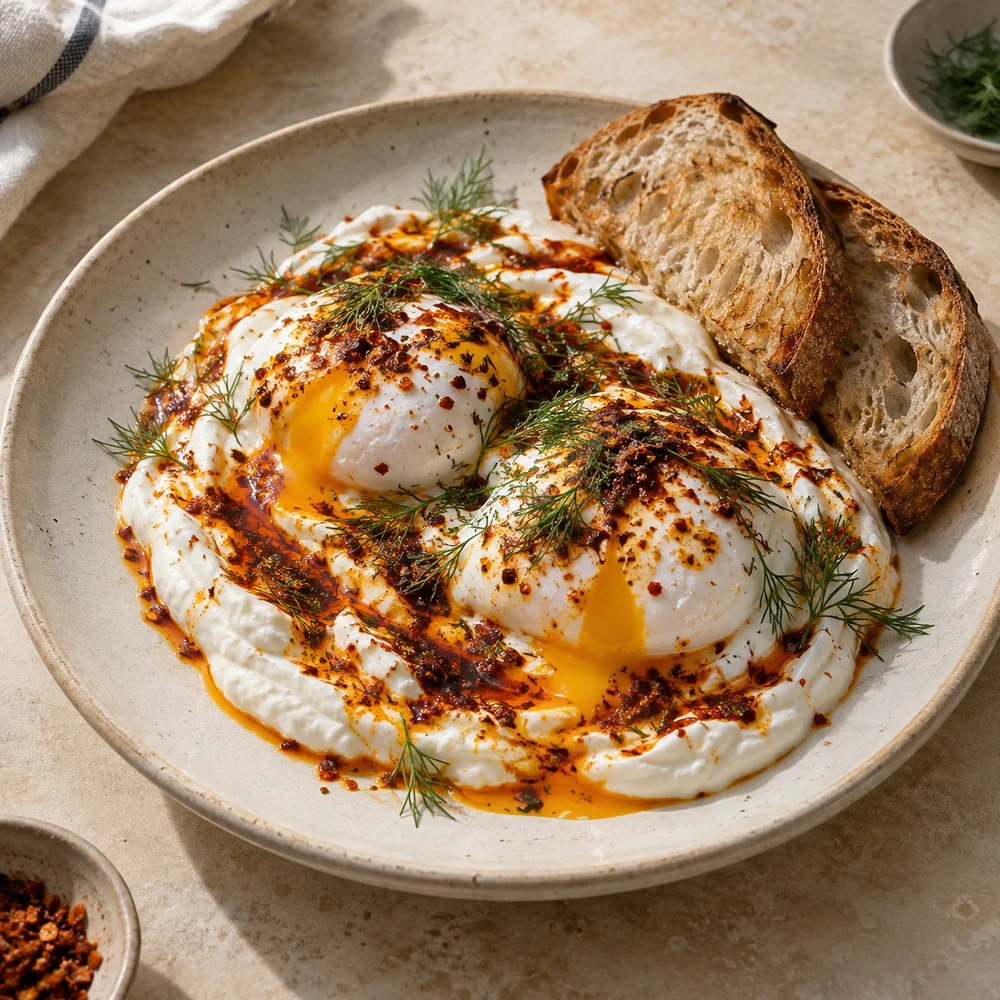
Turkish eggs

Two poached eggs over garlic yogurt with chilli butter and sourdough.

Vegetarian
₺295
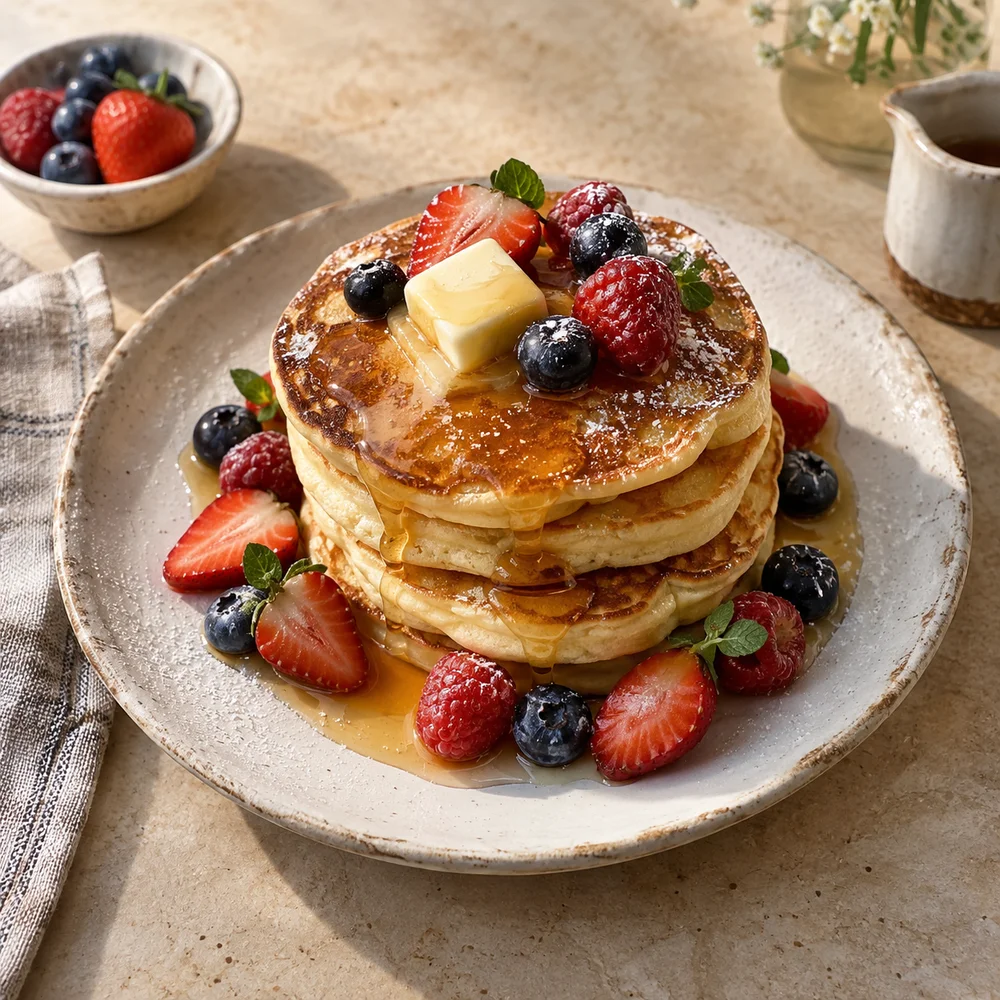
Berry pancakes

Three pancakes with strawberries, blueberries, butter and honey.

Vegetarian
₺275

Sweets

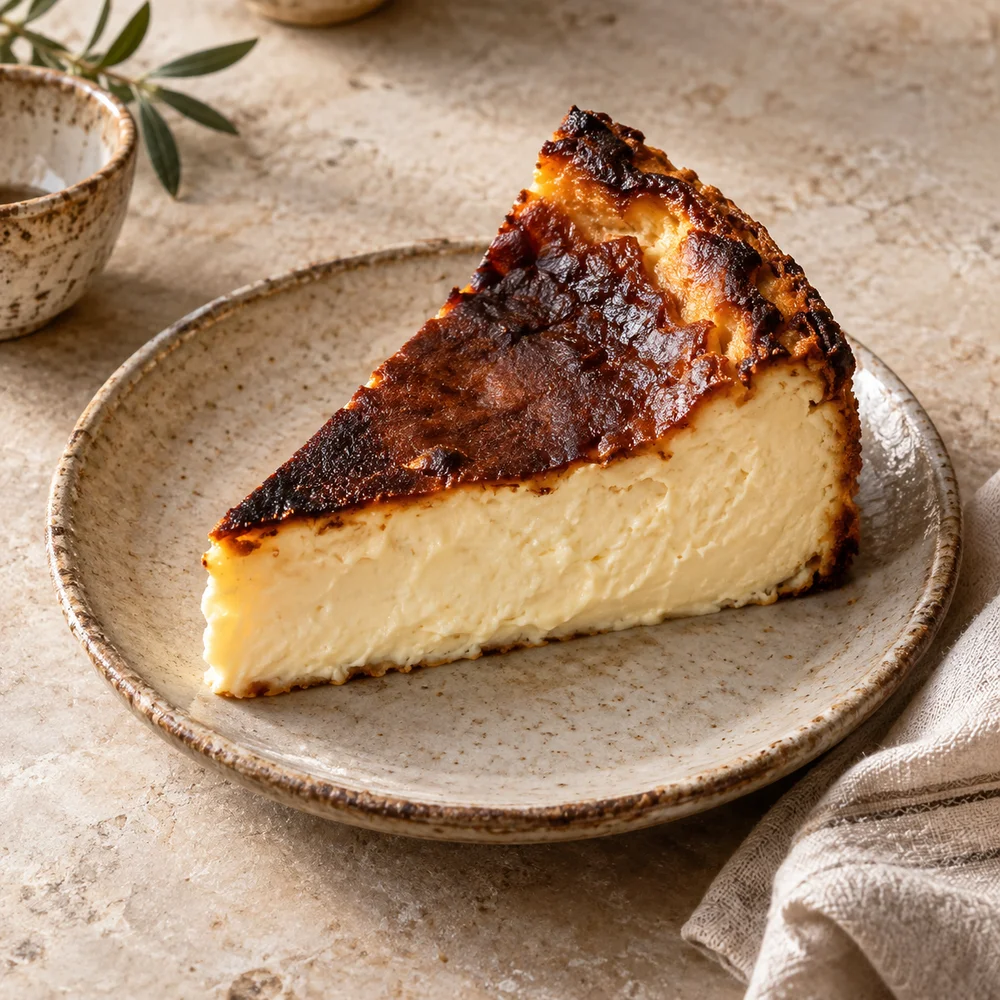
Basque cheesecake

Plain Basque cheesecake with a caramelized top and a soft, creamy centre.

Vegetarian
₺210
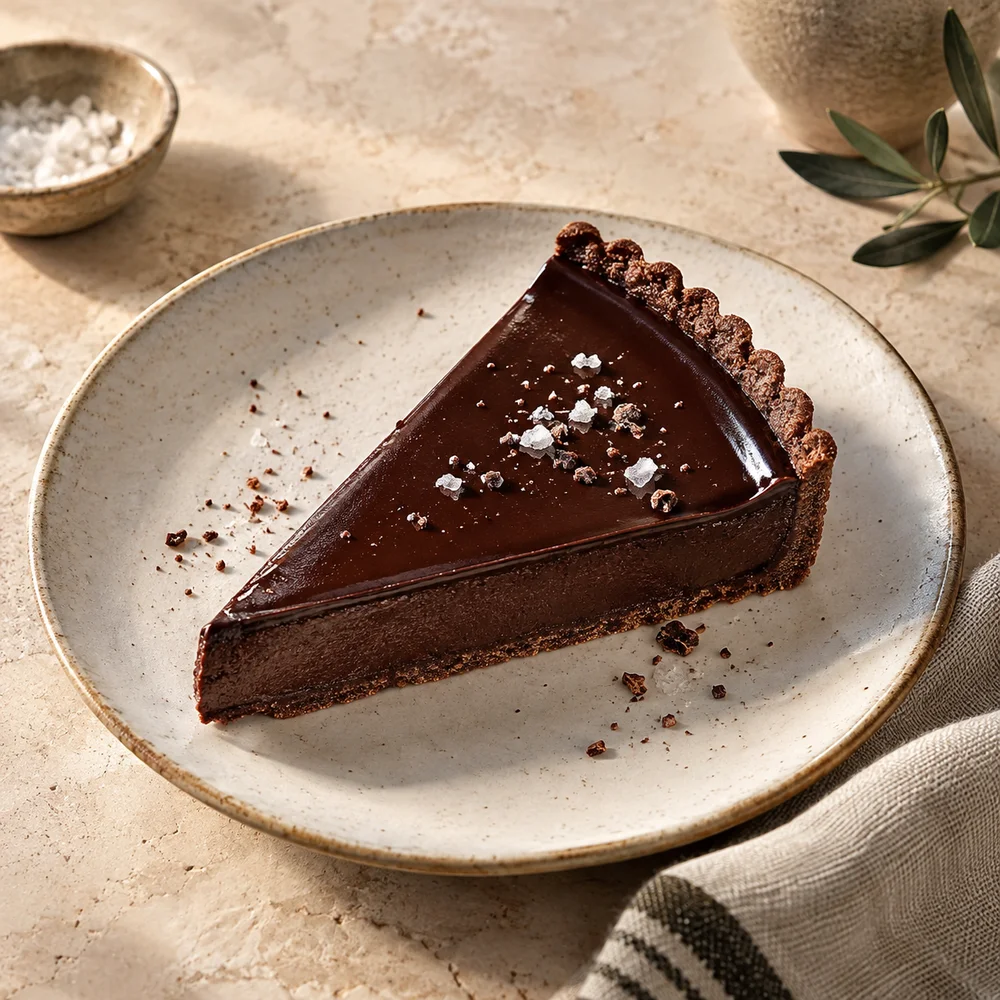
Chocolate tart

Dark chocolate ganache in a cocoa tart shell with a pinch of sea salt.

Vegetarian
₺225
Popular
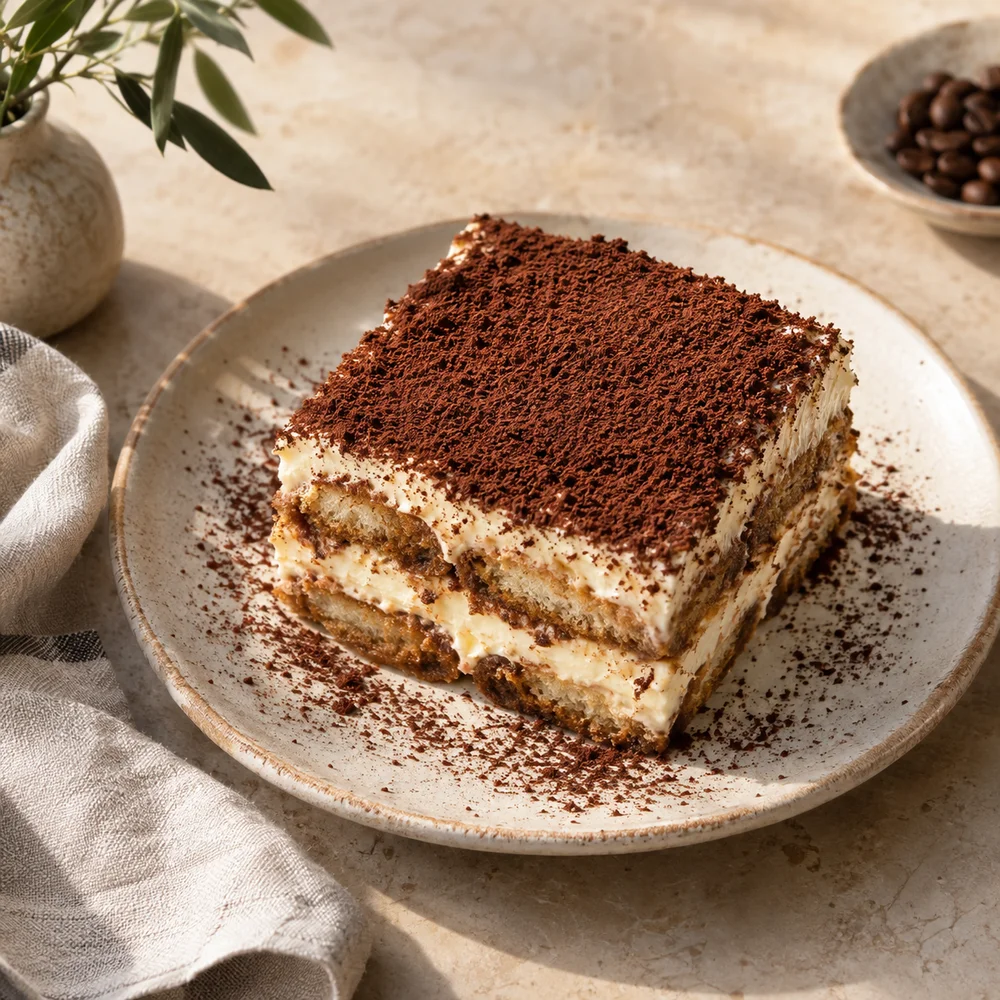
Tiramisu

Espresso-soaked ladyfingers, mascarpone cream and cocoa, prepared without alcohol.

Vegetarian
₺235
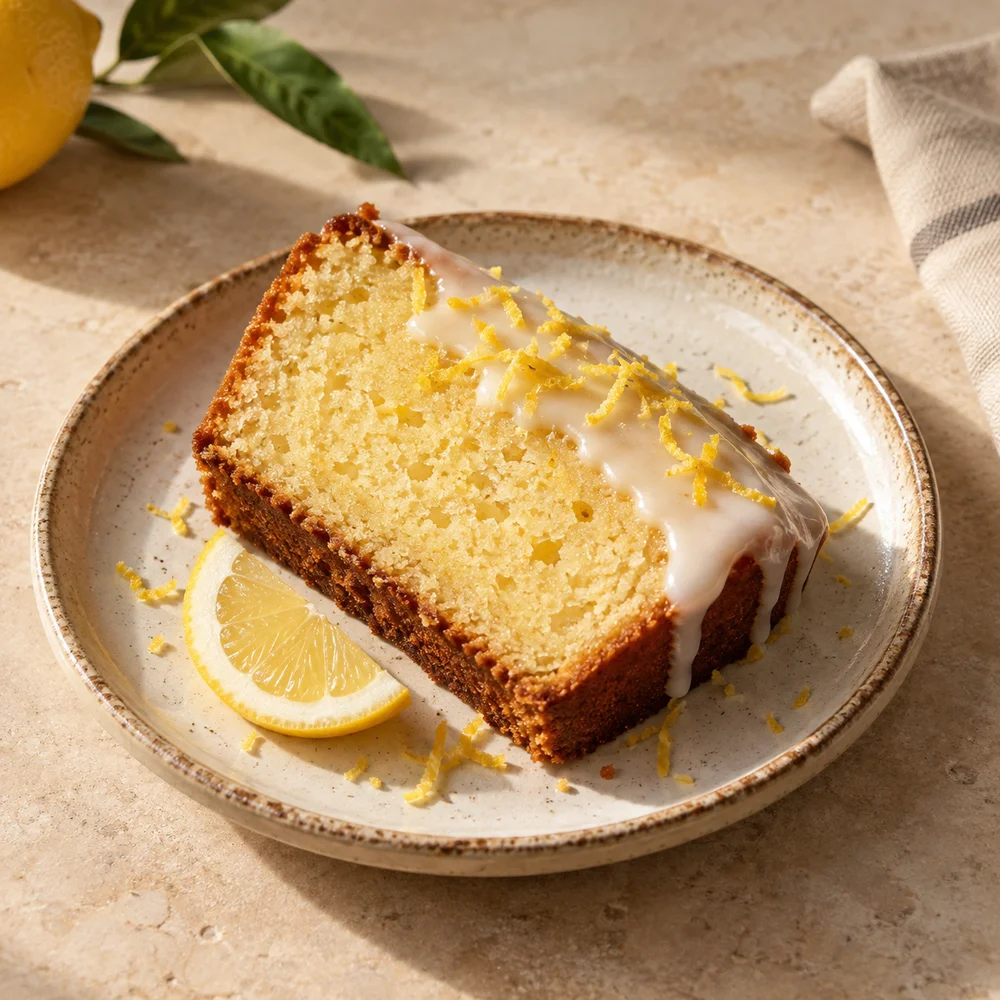
Lemon cake

A soft lemon-zest cake finished with a light lemon glaze.

Vegetarian
₺185

Kitchen

New
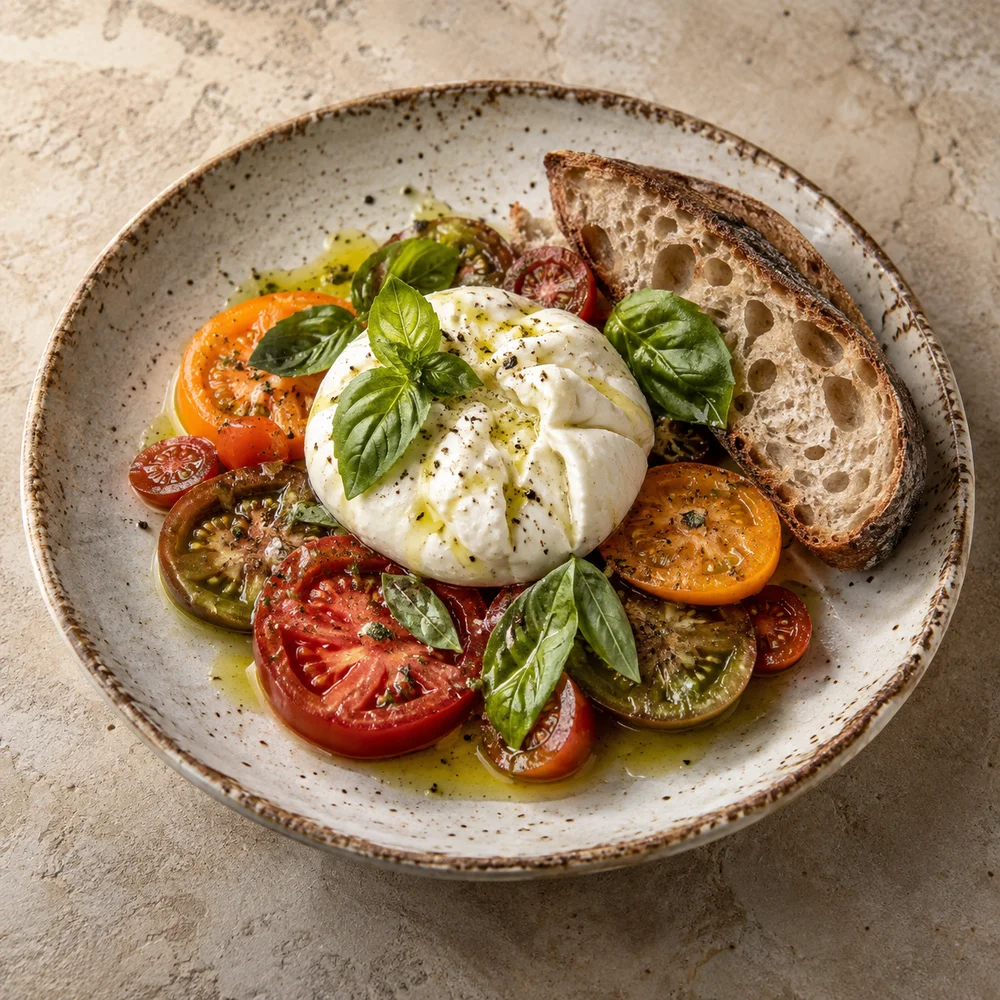
Burrata and tomatoes

Burrata with mixed tomatoes, basil and olive oil, served with sourdough toast.

Vegetarian
₺345
Chef's pick
Lemon salmon

Crispy-skinned grilled salmon with asparagus and lemon olive oil.
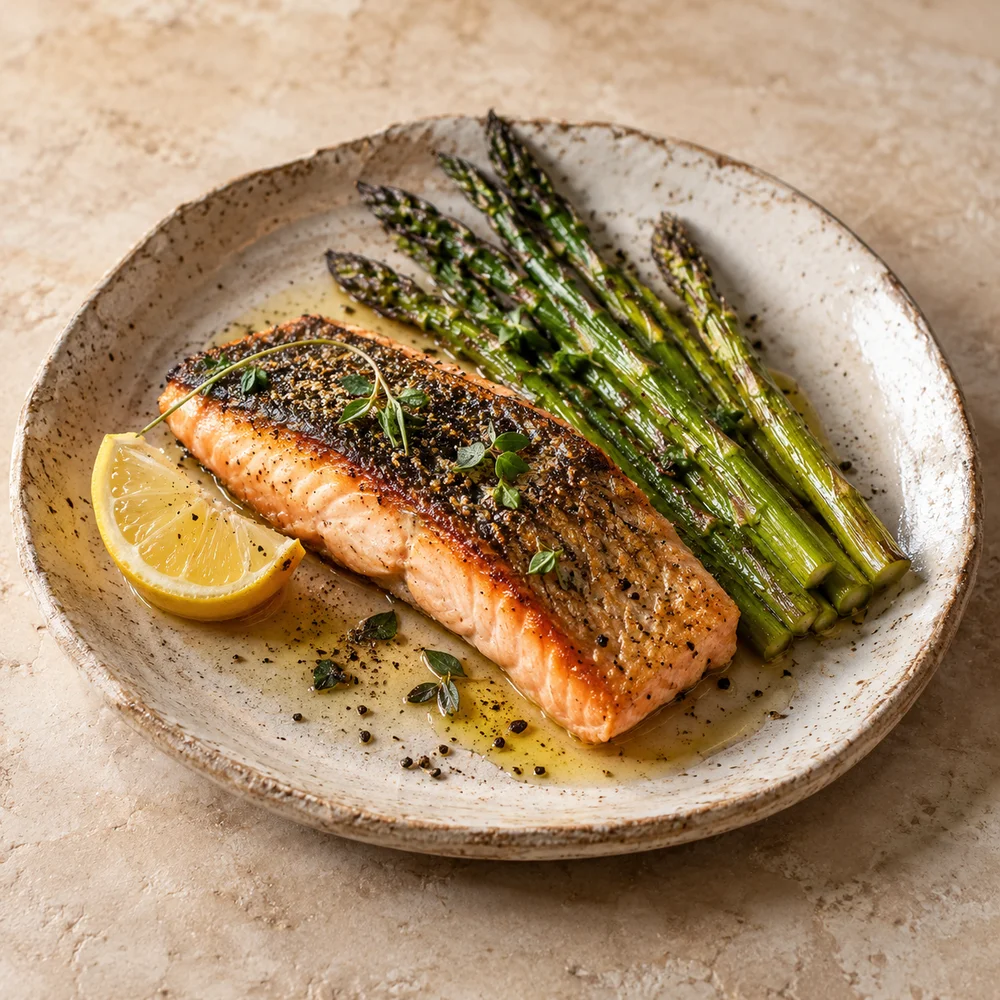
₺490
Grilled chicken bowl

Grilled chicken, brown rice, roasted vegetables and baby leaves with lemon tahini dressing.
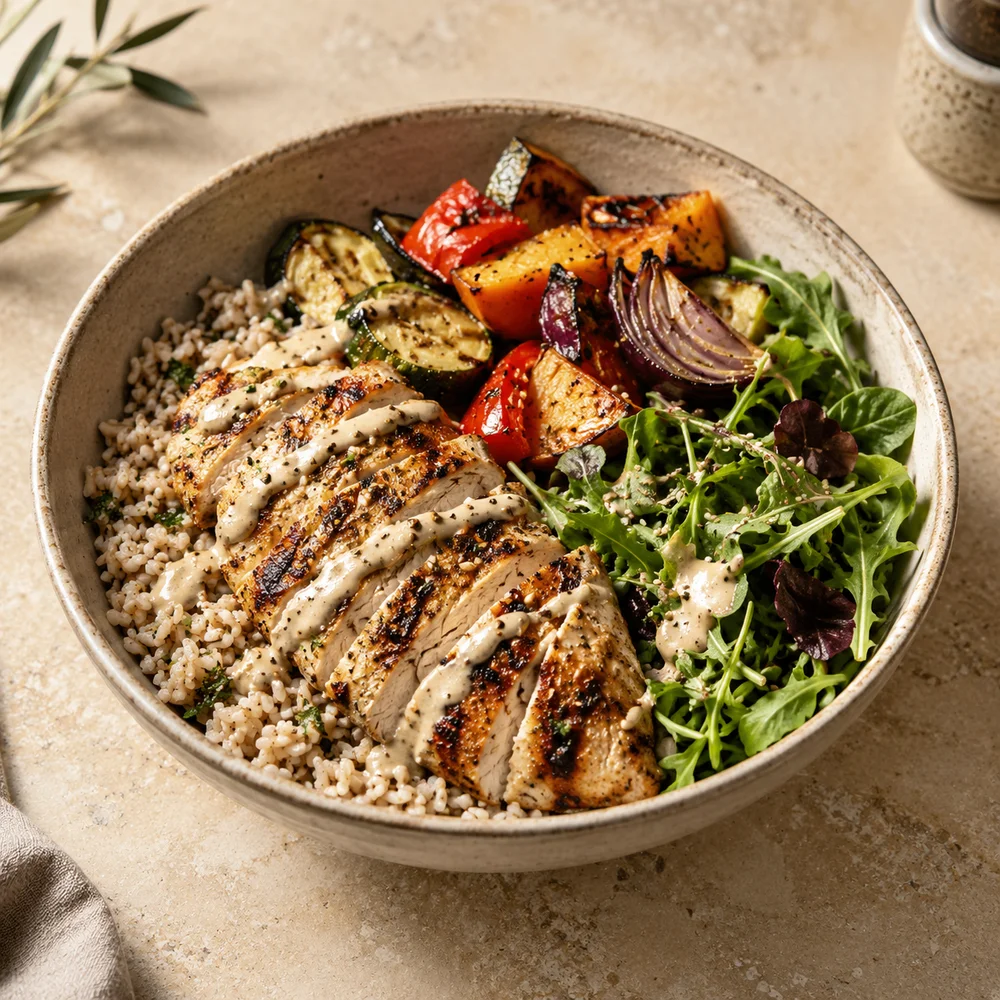
₺365
Creamy mushroom pasta

Tagliatelle with sautéed mushrooms, cream, Parmesan and fresh thyme.
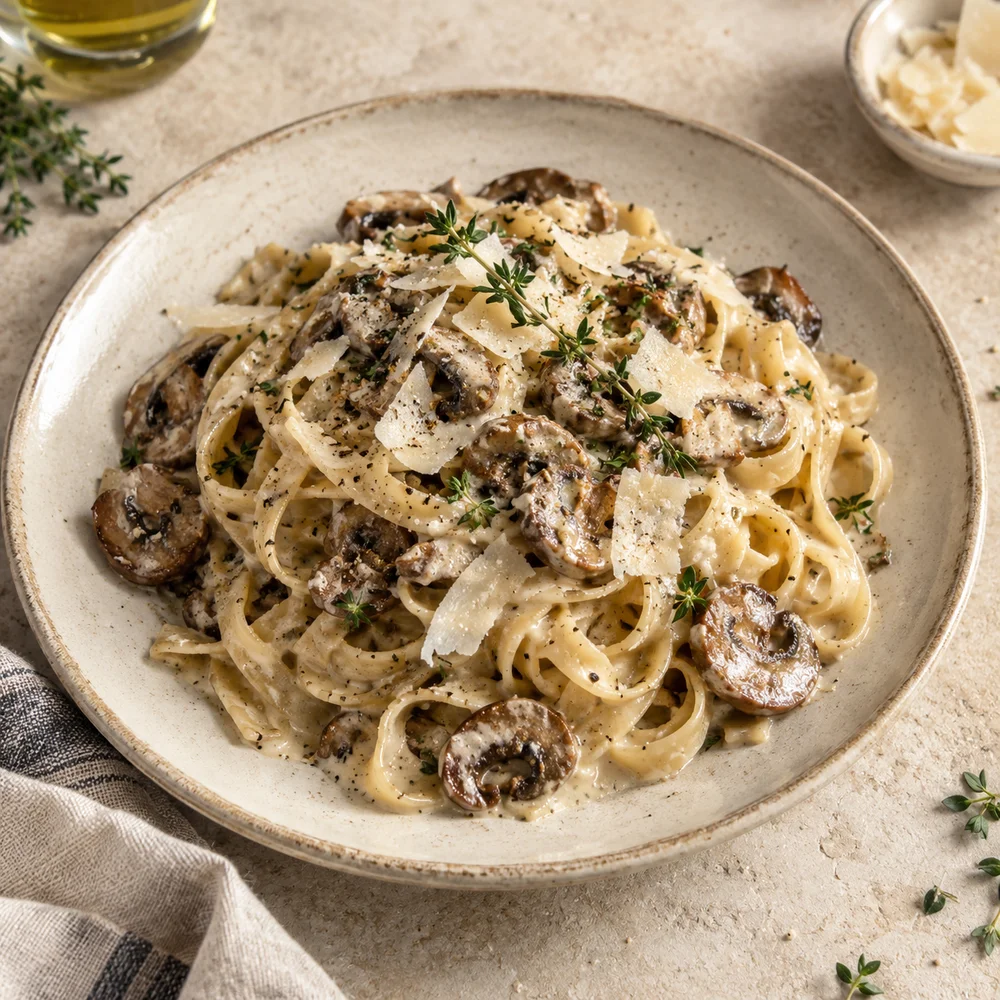
₺340
Please ask our team about allergies.

Change it in the panel, see it on your guest’s phone.

Appearance

Choose the theme that suits your venue. You can fine-tune colors, typefaces and corners separately in the panel.

Open the Botanica theme full screen

Sold-out items

Mark an item as sold out with a single tap. Stock changes reach the menu without waiting for a publish.

  • Avocado sourdough
  • Basque cheesecake

Price

Price changes collect in a draft; you check them and publish them all at once. The QR code on the table stays the same.

Flat white
Same as the published menu
Language

Your menu can open in six languages; Arabic reads right to left. You enter the translations, and any text left untranslated shows in Turkish, the menu’s base language.

What’s in the menu and the panel

What your guests see

Allergens and diets
12 allergen labels, plus vegan, vegetarian, halal and gluten-free marks.
Portion options
Options such as regular and large, each with its own price, on the same line.
Product details
Calories, spice level, alcohol content, portion size and ingredients.
Timed categories
A category such as breakfast appears only during the hours you set.
Photos
Tap a product photo to see it larger, in its original proportions.
Category bar
On a long menu, the categories stay at the top of the screen.

What you work with

Product table
See your products in one table, grouped by category; search, and sort by name or price.
Draft and publish
Collect changes in a draft, check them, and publish them all at once.
Publishing history
Bring an earlier version back into the draft and publish it again once you’ve checked it.
CSV
Import and export product text and prices as a CSV file.
QR code
Download it as SVG or PNG. If you change your menu address, the old code redirects to the new one.

Free to build,
subscription to publish.

Publish with a monthly or yearly subscription.

Both plans include every feature. You choose a plan in the panel once your menu is ready.

Create your menu

Before you publish

Can I publish for free?
No. Opening an account and building your menu are free; your guests can open the menu once you have a subscription.
What happens if my subscription ends?
Your menu closes to guests. Your products and settings stay in the panel; renew the subscription and publish again.
Do I need to reprint the QR code when I change the menu?
No. The code stays the same when the content or theme changes. If you change your menu address, old codes redirect to the new one.
How is payment taken?
Subscription payments are handled by Polar. You manage your subscription from the Subscription page in the panel.

Build your menu today.

  1. Open an account and add your products. If you already have a list, import it in one go with CSV.
  2. Pick a theme and adjust the colors to suit your venue.
  3. Start your subscription, publish, and download your QR code.
Create your menu